


Connectwise RMM™
More devices managed, less manual work
Automate patching, prioritize alerts, and resolve issues faster with device context and secure remote access.
Connectwise RMM™
Automate patching, prioritize alerts, and resolve issues faster with device context and secure remote access.


reduction in alerts
Less noise to review
devices in one tenant
Manage large environments in one place
reduction in tickets
More capacity for better service
Keep devices patched, identify issues, and give technicians the tools to act all in one place.
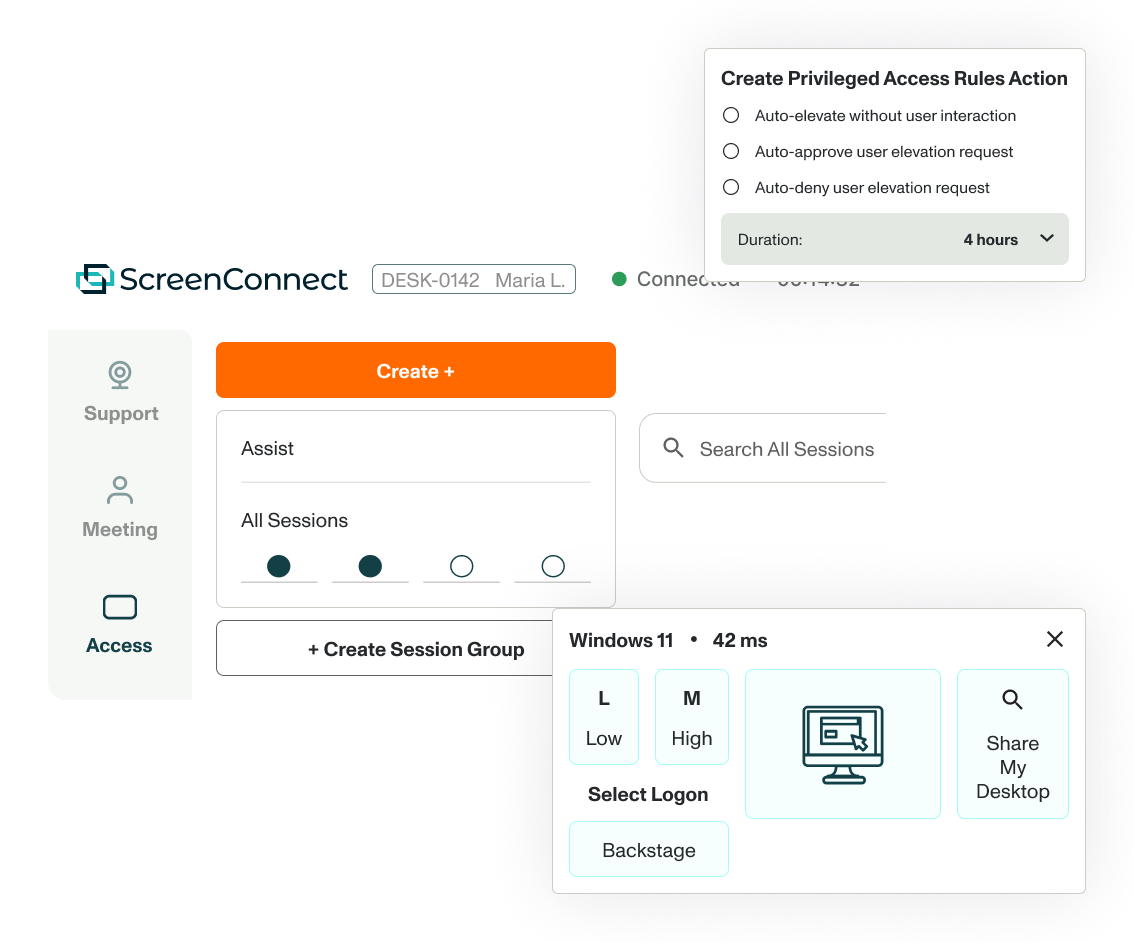
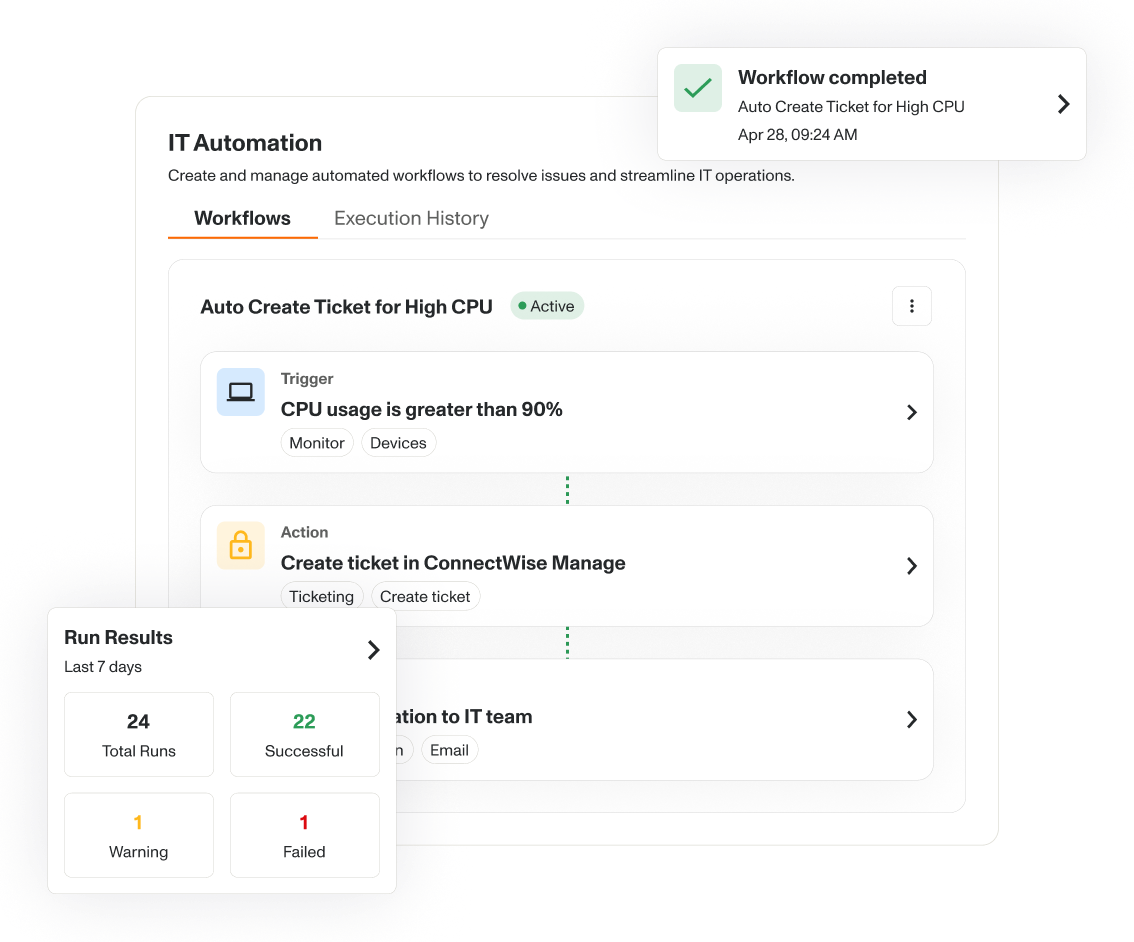
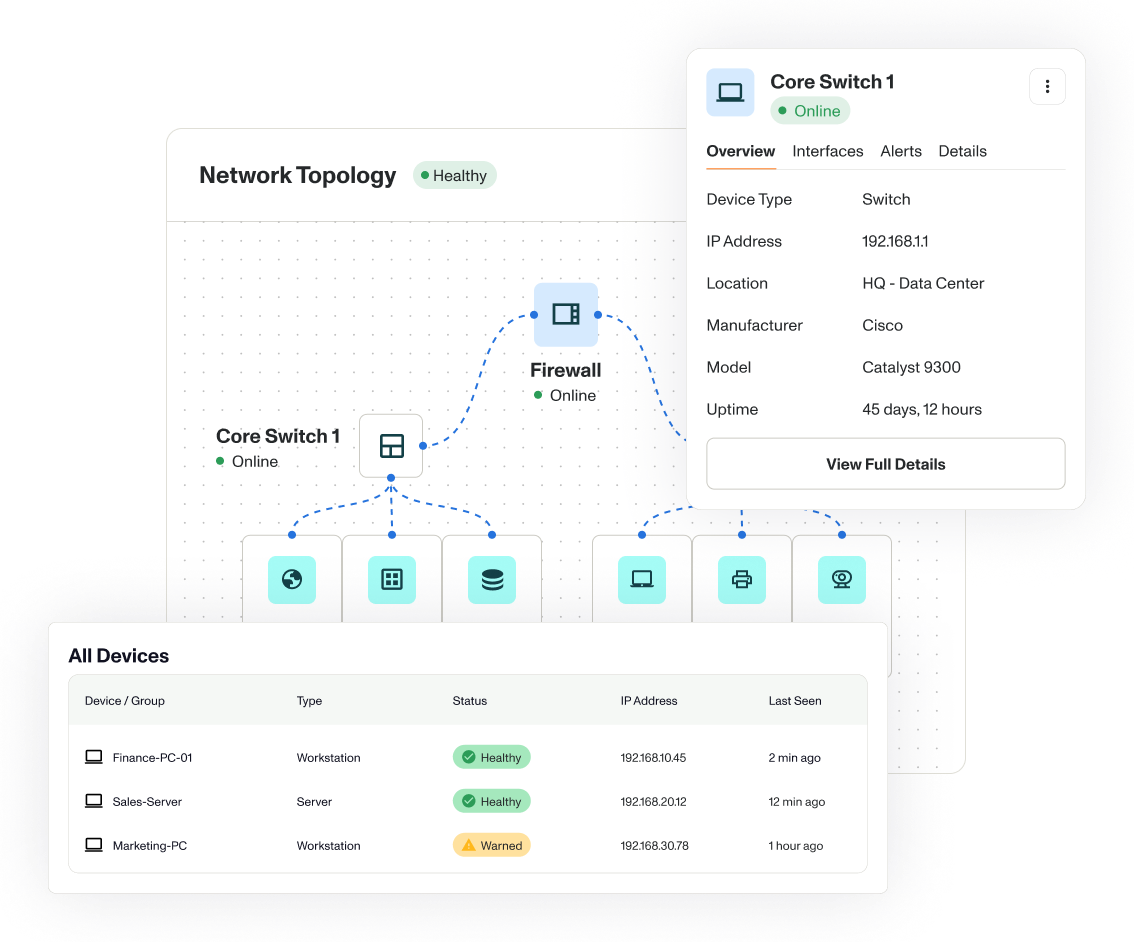


Full visibility
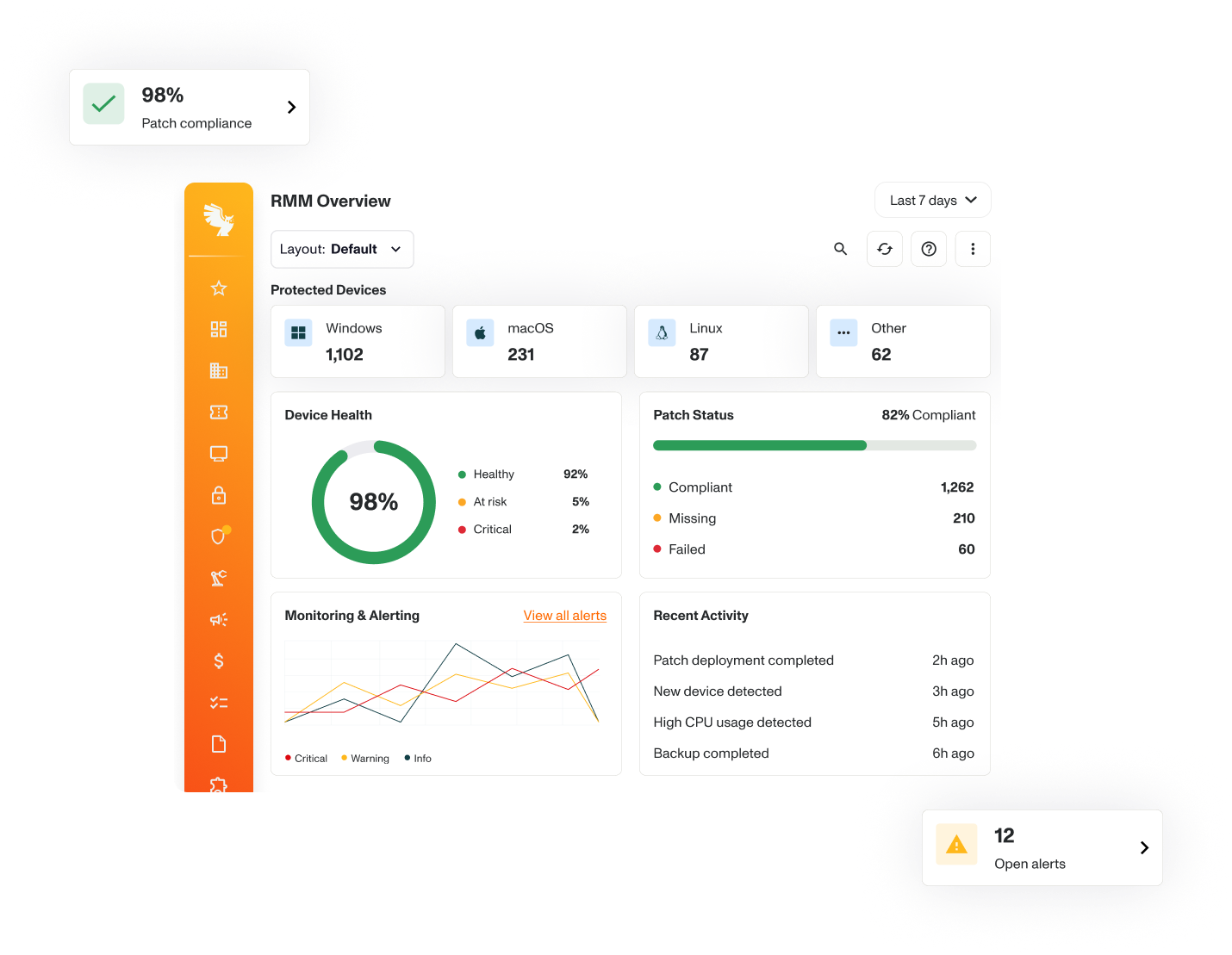
The built-in security and vulnerability dashboard creates one real-time view, including status, patch state, and alerts.

Earlier detection
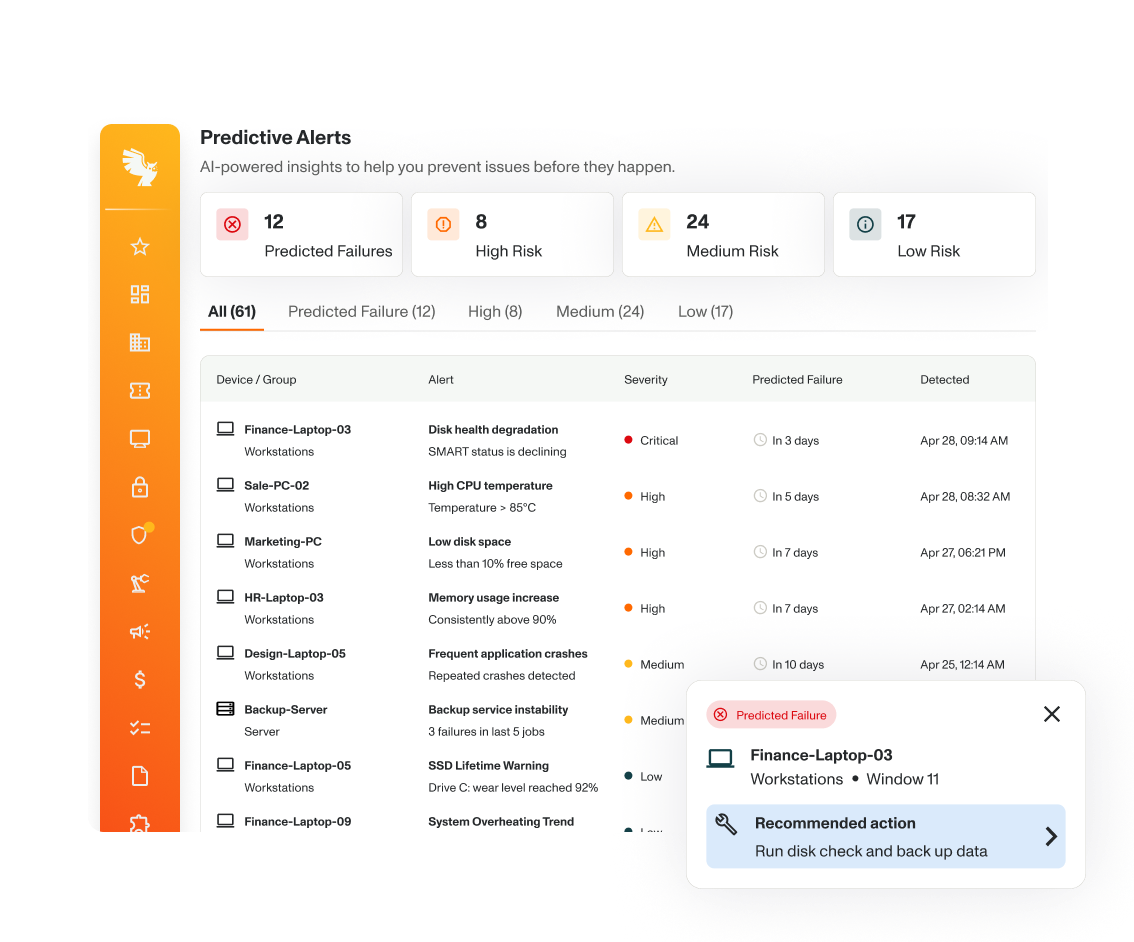
Identify, prioritize, and resolve issues sooner with monitoring and Auvik’s topology mapping. Your team will see fewer support tickets, and customers will experience less downtime.

More oversight
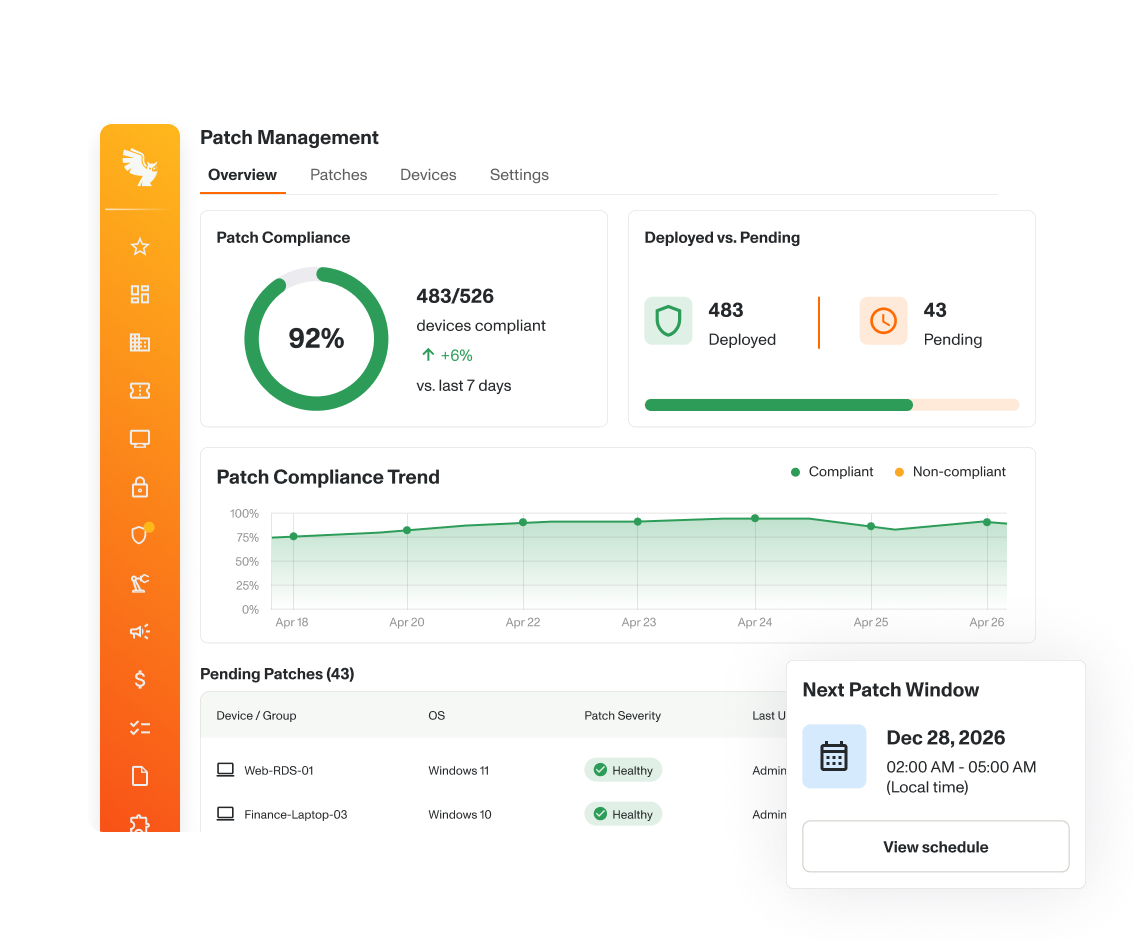
Review device status, identify gaps, and track remediation from one dashboard. Give your team the visibility to support compliance checks and keep outstanding issues in view.


Every tool on the CW Platform™ shares data and automation, so your services are more productive and profitable.
Traditional RMM focuses primarily on monitoring and managing endpoints such as workstations and servers. Unified monitoring and management (UMM) expands that visibility across the broader IT environment, including networks, cloud infrastructure, virtual environments, and backups, so teams can monitor and manage more of their technology from one place. The ConnectWise UMM approach includes ConnectWise RMM™, ScreenConnect®, ConnectWise NOC Services™, and ConnectWise Help Desk Services™.
Yes. ConnectWise RMM™ supports PowerShell, bash, and batch scripts, and integrates with ConnectWise products and third-party tools via open APIs.
ConnectWise RMM is part of the ConnectWise Platform™, which is built with cloud-native architecture. It supports real-time data processing, faster updates, and scalable performance across all remote monitoring and management functions.
ConnectWise RMM consolidates endpoint and network monitoring, patch management, scripting, remote access, workflow automation, and security monitoring into a single solution. Technicians spend less time switching tools and performing routine tasks, giving them more time to focus on value-add work. Use the RMM ROI Calculator can help you estimate the potential savings for your business.
Yes. ConnectWise RMM implementation is available along with on-demand training modules, videos, documentation, and more on ConnectWise University™ to help technicians adopt it quickly and consistently.
ConnectWise RMM offers an extensive API library for retrieving alerts, scripts, device data, and ticketing details to populate custom dashboards or third-party tools.
Remote monitoring and management (RMM) software helps IT teams monitor and manage computers, servers, and other devices in one place. It can alert teams to issues, automate routine tasks, install updates, and include remote access to troubleshoot problems for offices, remote workers, and hybrid environments. ConnectWise RMM uses agents installed on devices to collect information about health and performance. The data flows into a central dashboard where MSP and ITSM teams can monitor devices, spot issues, automate updates, and troubleshoot problems remotely.
RMM software helps IT teams find and fix issues faster, automate routine work, and manage more devices efficiently. Benefits include reducing downtime, saving technicians time, and helping prevent small issues from becoming bigger problems.
Remote monitoring and management (RMM) software helps teams monitor and manage IT devices and systems. Professional services automation (PSA) software helps manage the business side of IT services, including tickets, projects, time, billing, and customer information. They are usually used together to help MSPs and IT services teams manage the technology and the work around it.
Look for RMM software that is easy to use, supports the devices you manage, and can grow with your business. Consider features such as automation, patching, remote access, reporting, integrations, and support, as well as how easy it will be to move from your current solution.


