




ENDPOINT MANAGEMENT CHALLENGES
Manual tasks bottleneck your team

Too many tickets and not enough time

Patch and endpoint drift create risk

Limited automation hurts productivity
EXPERIENCE THE DIFFERENCE
Tailor managed services, automate fixes, and free up your team
-
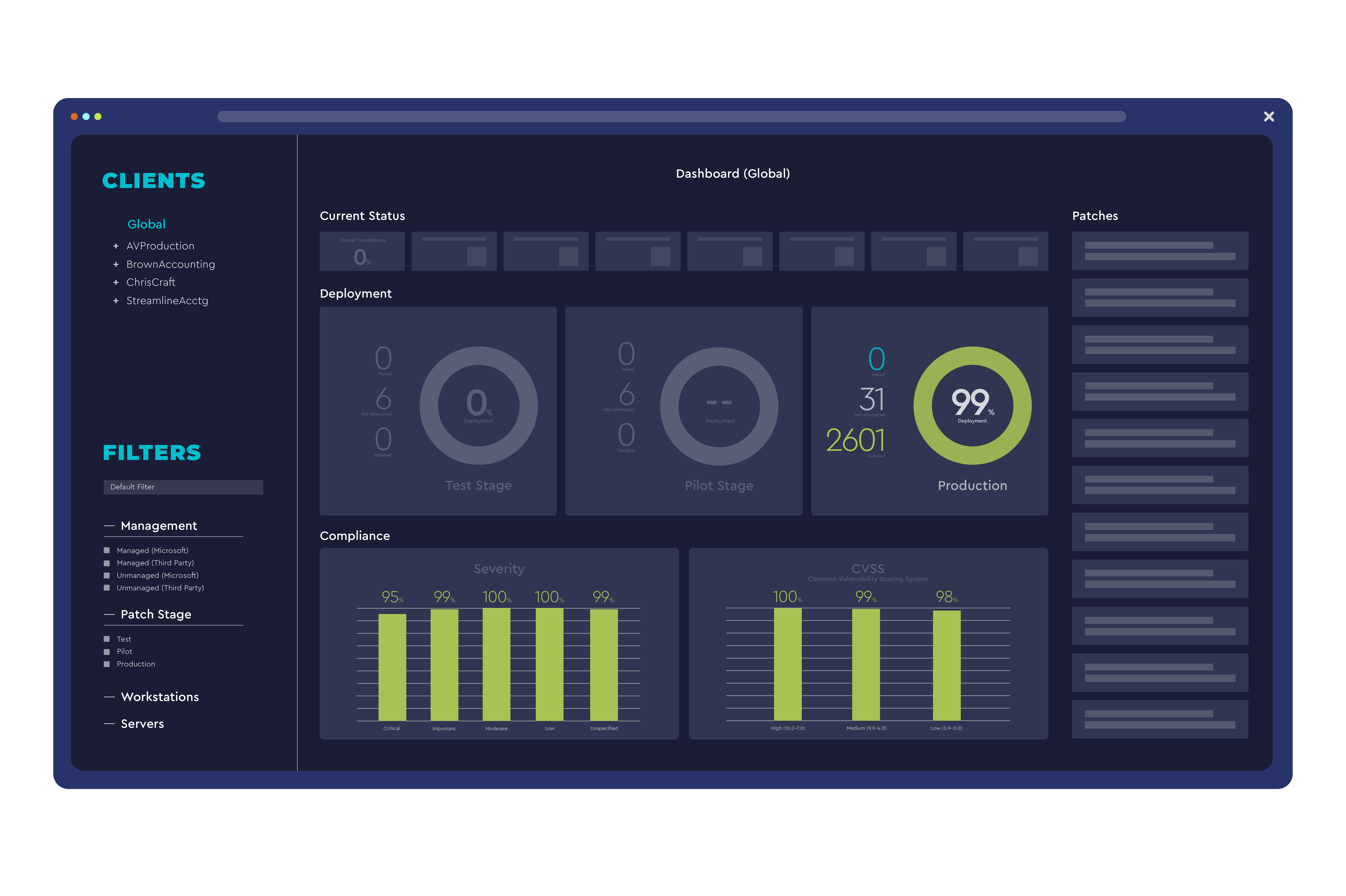
Customizable monitoring and automation resolve routine issues before users notice
-
Automated patching and software updates keep environments optimized
-
Deep customization for MSPs that want granular policies, roles, and workflows
AUTOMATION & SCRIPTING
Build once, fix at scale
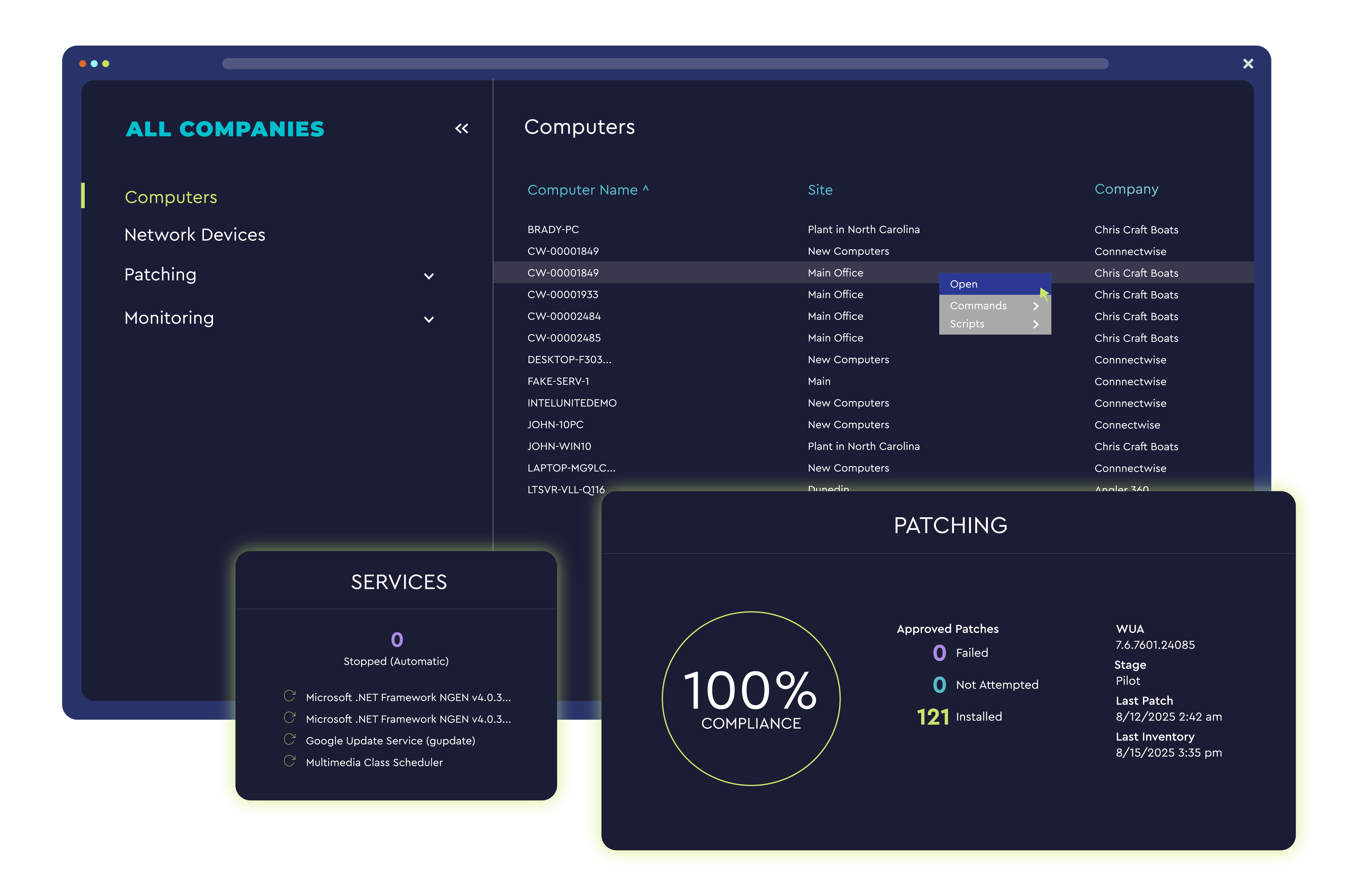
Eliminate repetitive work with deep automation. Use AI-assistance to draft PowerShell scripts faster than ever before, and keep a human in the loop for review and approval.
- Automated execution of known remediations cuts repetitive work and lowers escalation rates
- Prebuilt scripts and monitors expand visibility and reduce time to resolution
- Custom library and scheduling to standardize fixes across clients and sites
DATAVIEWS & VISIBILITY
Find answers fast
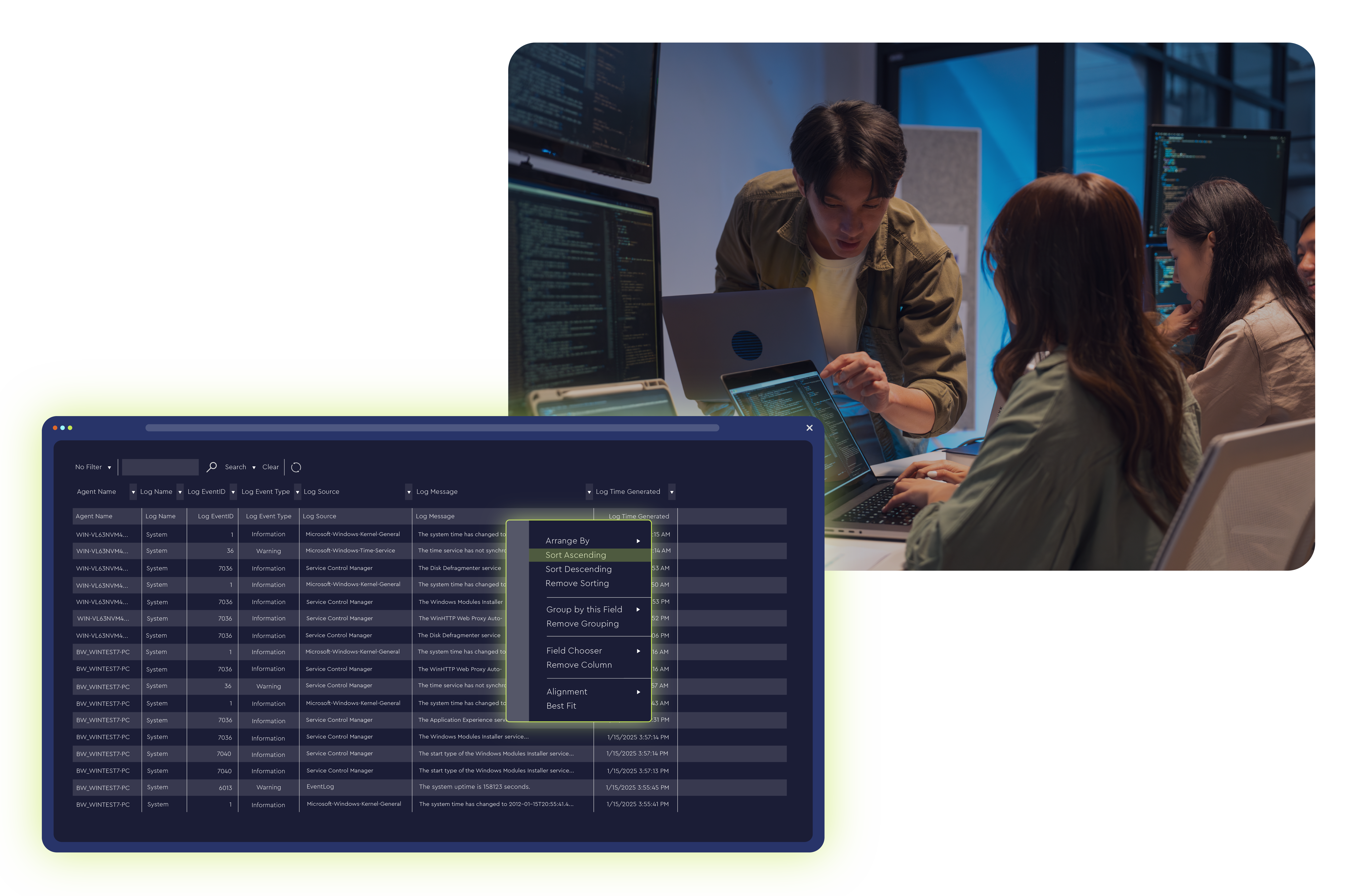
Use data views to search, filter, and export insights across environments in seconds.
- Query endpoints for specific software, versions, or configurations on demand
- Save and share views to standardize investigations across teams
- Export summaries and detail to support QBRs, audits, and renewals
PATCH MANAGEMENT
Standardize and secure
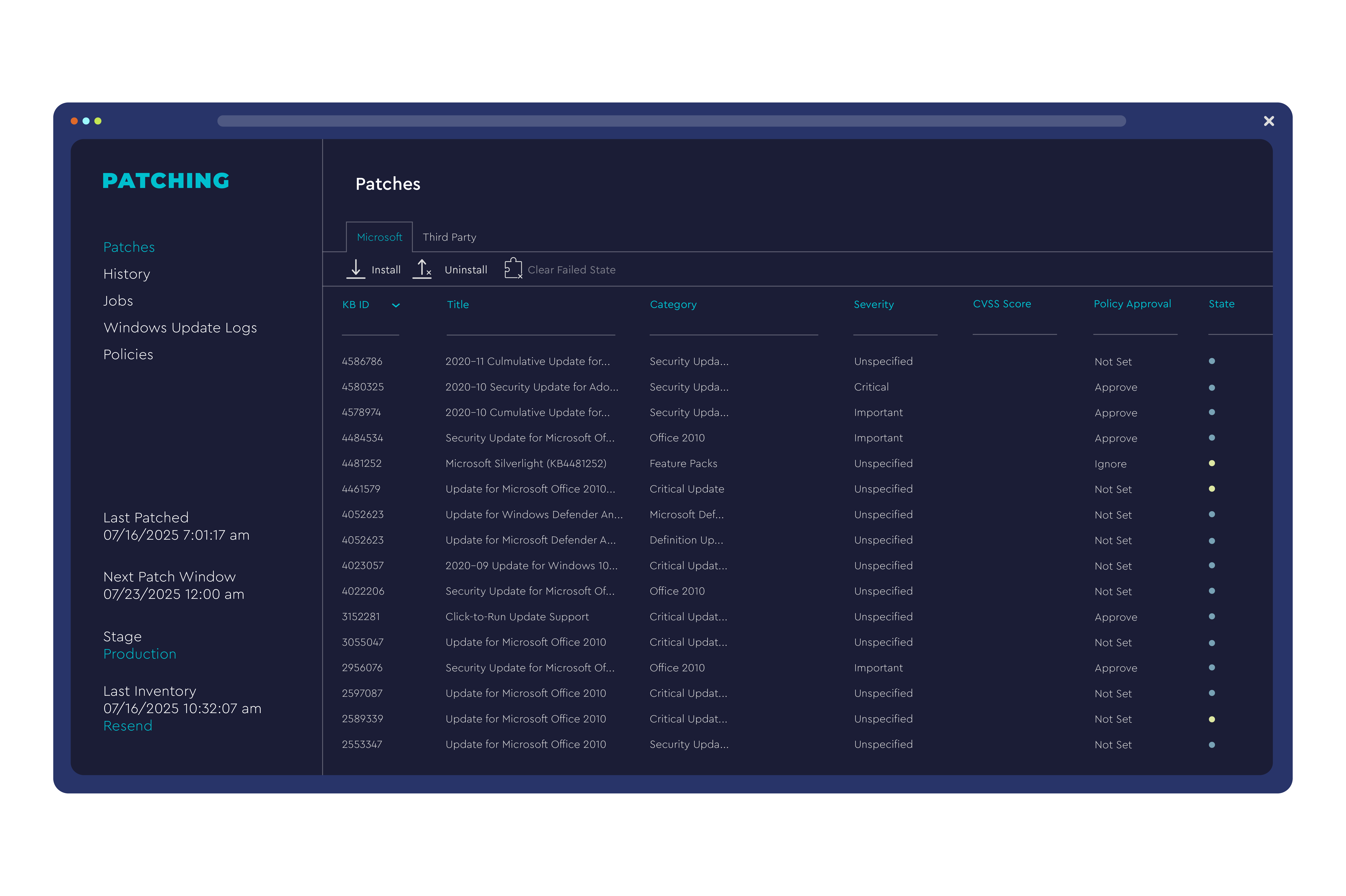
Keep Windows® OS current with approval policies, pilot groups, and maintenance windows.
- Configure approval workflows and deployment rings to minimize impact
- Track compliance with clear reporting and exceptions management
- Reduce risk through automation, tightening patch cadence, and increased visibility

REMOTE SUPPORT
Resolve issues faster
Get instant access to endpoints for diagnostics and fixes while minimizing end‑user disruption.
- Background troubleshooting for silent maintenance and faster first‑call resolution
- Role‑based permissions and audit trails support compliance requirements
- Cross‑platform coverage across major OS environments
- Scales from small clients to complex, multi‑site environments
Related Solutions


Frequently Asked Questions (FAQs)
Is ConnectWise Automate the same as ConnectWise RMM?
No. ConnectWise Automate and ConnectWise RMM are separate tools. Automate allows for deeper, manual customization and includes the option for on-premises or cloud hosting. ConnectWise RMM is a cloud-native RMM solution built on the ConnectWise Asio platform, designed for platform‑managed guardrails, robust pre-built monitoring, and faster time‑to‑value.
Does ConnectWise Automate include third‑party patching?
Yes. It’s recommended to consider your third-party patching needs when evaluating the solutions; ConnectWise RMM covers a much larger list of third-party applications.
Can I use AI to speed up scripting?
Yes. AI assistance in Automate can draft PowerShell scripts for your review and approval so your team can work faster and stay in control. ConnectWise RMM also includes bash and batch AI scripting assistance.
What platforms are supported?
Automate primarily supports Windows endpoints.
Does Automate help me answer ad‑hoc questions about my customer environments quickly?
Yes. Data views let you query, filter, and export insights across clients and devices, which is ideal for audits, QBRs, and investigations.
See how Connectwise Automate can work for your business
Provide a few details to get in touch with a ConnectWise product expert.