




Discover how ConnectWise Cloud Backup™ protects Microsoft 365
from data to identity
Protect what matters
Don’t risk falling victim to cyberthreats or human error. Secure your Microsoft 365 data and Entra ID objects by ensuring your data is securely protected and rapidly recoverable.
Boost operational efficiency
Benefit from automation built into the tool, which frees up time from traditionally repetitive tasks such as onboarding and offboarding clients and end users.
Expand service portfolio
Stand out in the market and deliver significant value by protecting the Microsoft 365 ecosystem, including Entra ID.
BENEFITS
See how Cloud Backup can unlock strategic revenue opportunities
Combine automated backups, scalable storage, and fast recovery to safeguard critical data and confidently expand your service offerings.

Lightning-fast recovery
Recover data in seconds with advanced search and filtering to quickly navigate lost data

Secure and compliant by design
Ensure secure, compliant backup with certified adherence to industry regulations

Unlimited backup and storage
Unlock scalable, flexible protection that grows with data needs

Protects all Microsoft 365 workloads
Get comprehensive protection, automated backups, and fast recovery across Microsoft 365 environments, including Entra ID.
We’ve streamlined our backup process to minimize the number of tools and services we offer. [ConnectWise] Cloud Backup is easy to use and easy to deploy. It’s a great solution.

FEATURES
Cloud Backup makes it easier
COMPLETE
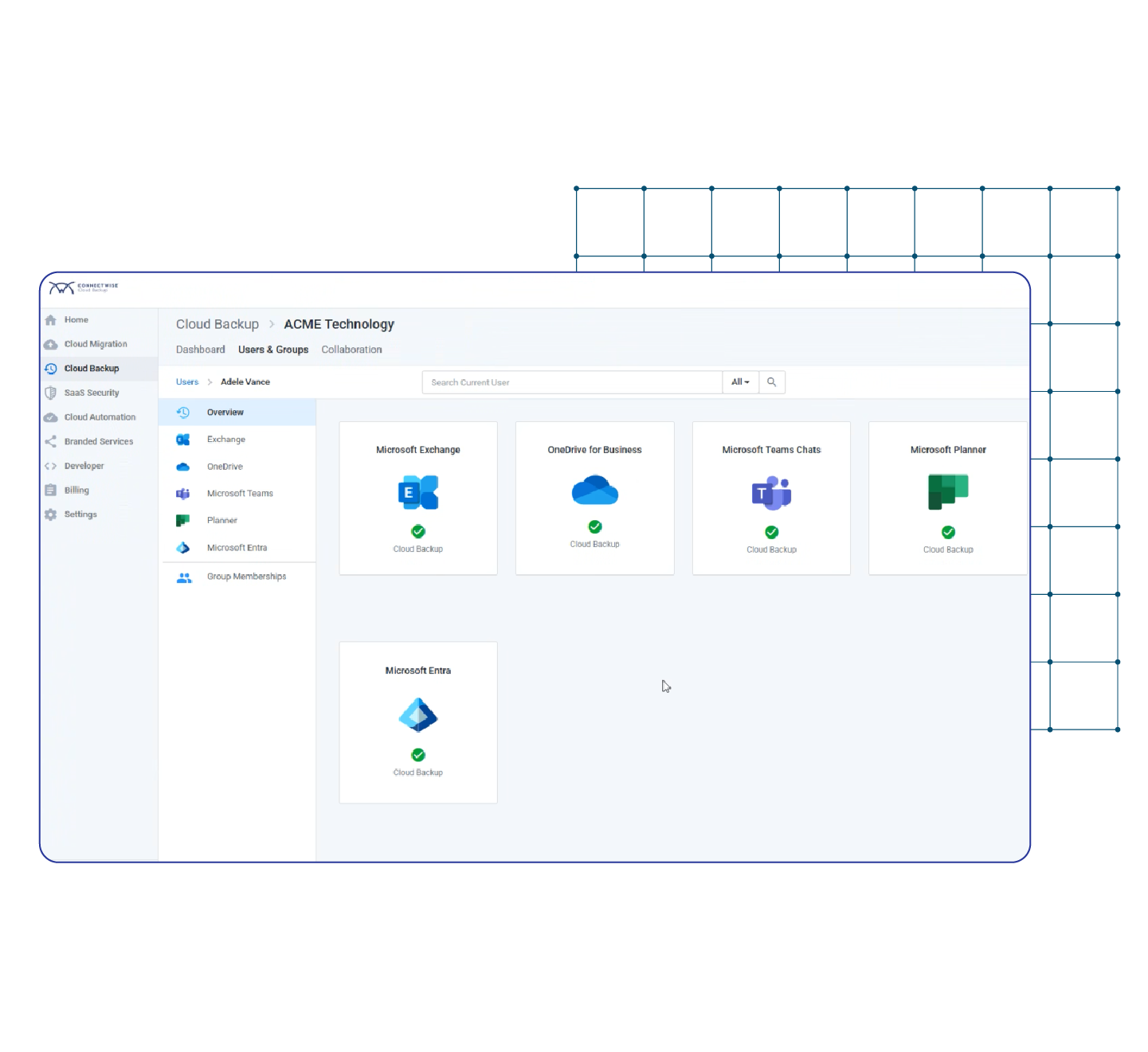
Protect all critical Microsoft 365 data with zero gaps
Ensure all data is protected.
- Comprehensive protection for Exchange, OneDrive, SharePoint, Groups, Teams, Planner, and Entra ID
- Unlimited Azure Storage with up to six snapshots per day
- Certified compliance and adherence with regulations such as HIPAA, GDPR, NIS2, and Essential 8
POWERFUL
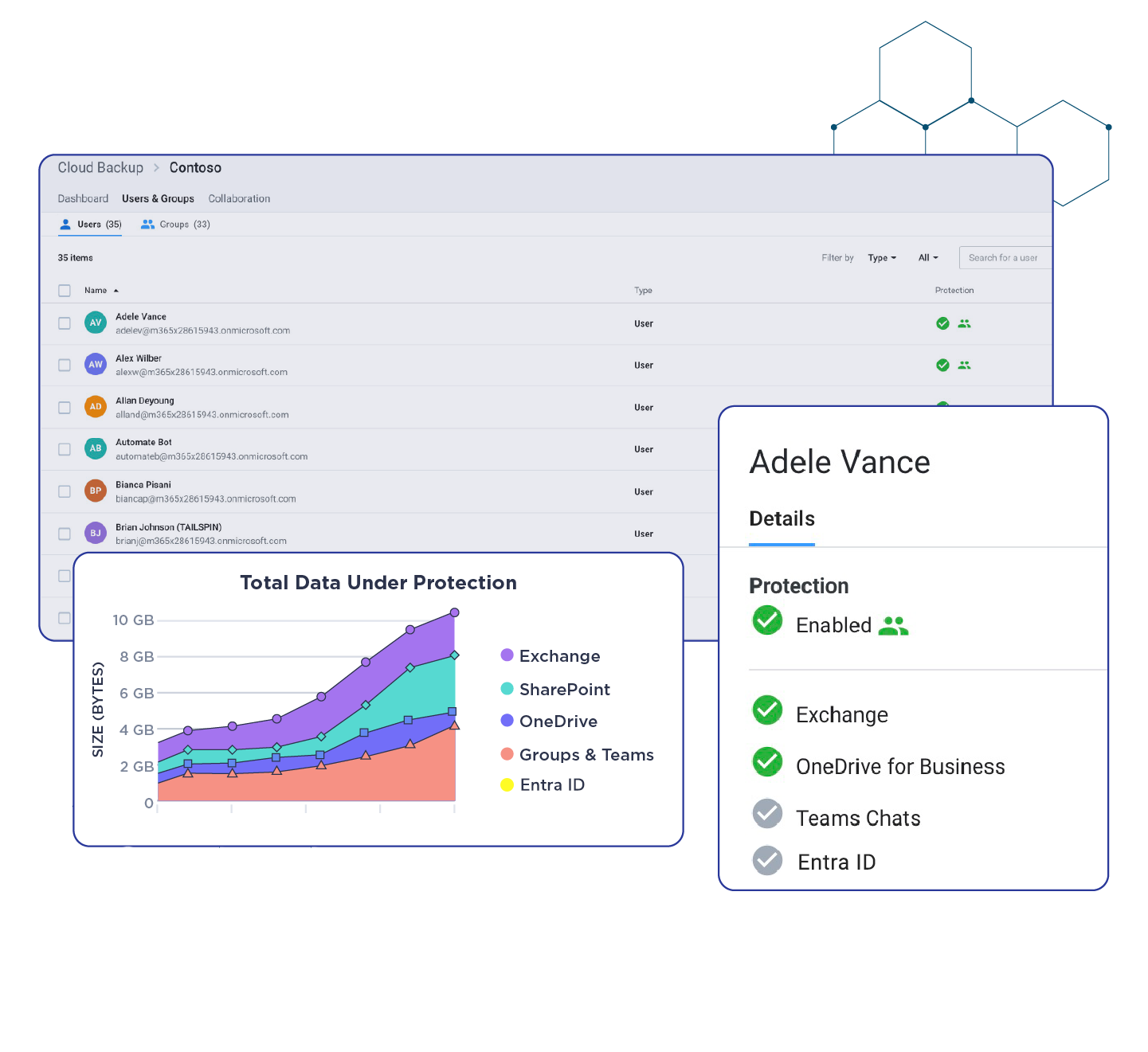
Manage, monitor, and protect with automation
Deliver more with powerful automation.
- Automate onboarding and offboarding at scale using Entra ID group management
- Gain actionable insights with advanced monitoring and reporting
- Locate and recover data in seconds with intuitive UI and Snap Search
FLEXIBLE
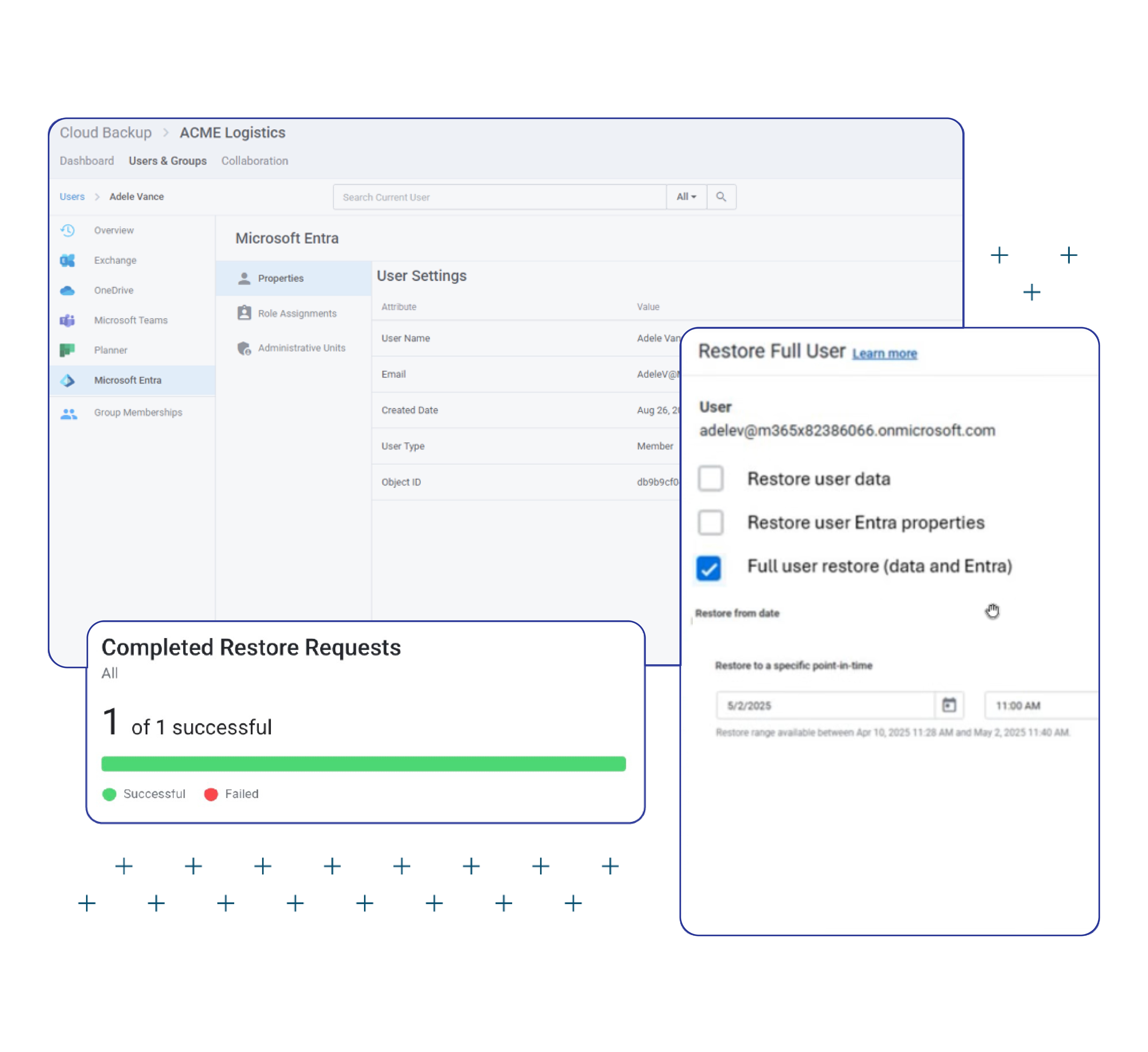
Meet customers where they are
Scale your data protection.
- Restore exactly what you need with bulk, granular, point-in-time, and cross-recovery
- Simplify secure deployment with delegated authentication for a seamless zero trust approach
- Empower customers with branded self-service portals, reducing IT overhead
Explore related resources and solutions


Related Solutions


Frequently Asked Questions (FAQs)
How is ConnectWise Cloud Backup licensed, and how do bundled Azure storage and retention options factor into cost planning?
Licensing is per protected Microsoft 365 user. Plans bundle in Azure Storage and up to six backups per day, and ample storage. Instead, size RPO and retention to business and compliance needs.
Which Microsoft 365 data protection workloads are fully covered (Exchange, OneDrive, SharePoint, Teams, Planner, Groups, EntraID), and where are the edge cases?
Coverage includes Exchange, OneDrive, SharePoint, Teams, Planner, Groups and EntraID. Edge cases generally involve third‑party app data or unusually large/locked items subject to Microsoft API constraints.
With up to six snapshots per day, how should we set RPO targets for different customer profiles?
Most MSPs set standard RPOs between 4–24 hours depending on risk. You can use up to six daily snapshots for high‑change users (finance, sales) and fewer for low‑change roles to balance cost and recovery speed.
Which restore modes does Cloud Backup support (bulk, granular, point‑in‑time, cross‑recovery), and are Teams/SharePoint structures preserved?
You can restore bulk or single items, perform point‑in‑time recovery, and cross‑recover across accounts. Teams and SharePoint structures (sites, libraries, channels) are preserved to keep context intact.
How does Entra ID group‑based onboarding/offboarding automation reduce admin time in Cloud Backup?
Tie protection to Entra ID groups so new hires are protected automatically and leavers are de‑scoped per policy, without manual license chasing.
How do delegated authentication and self‑service portals fit a zero‑trust model for Microsoft 365 backup?
Delegated auth limits permanent credentials in play, and branded self‑service portals let end users perform safe restores without elevated tenant‑wide rights.
Which compliance frameworks does Cloud Backup help us document for audits?
Cloud Backup aligns to common frameworks including HIPAA, GDPR, NIS2, and Essential 8, and provides exportable reports that demonstrate retention, access controls, and restore testing for auditors.
Your search is over
Instead of endless scrolling, why not get your questions answered by a live person?