






Agents for Microsoft Teams
Turn Teams conversations into service-ready tickets
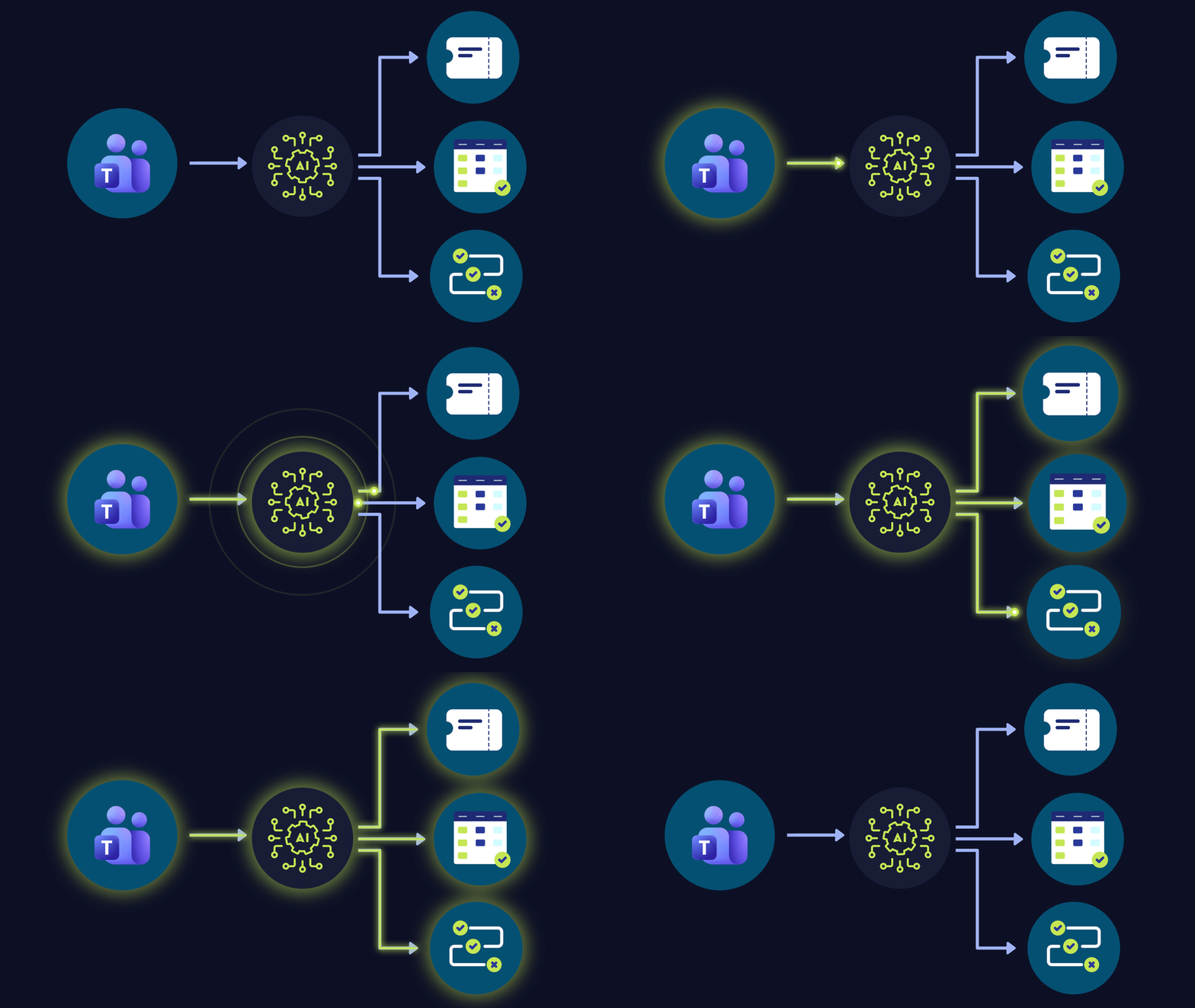
Give users a simpler way to reach support and technicians a better starting point. The Teams Agent handles intake through a familiar conversation, so your intake is consistent and doesn't rely on users to write a detailed ticket.
- Accept requests in Microsoft Teams, without a form or separate portal
- Ask focused questions to collect the details technicians need
- Create a structured PSA ticket linked to the right company and contact
Agents for Email
Don't let your techs get buried in inboxes
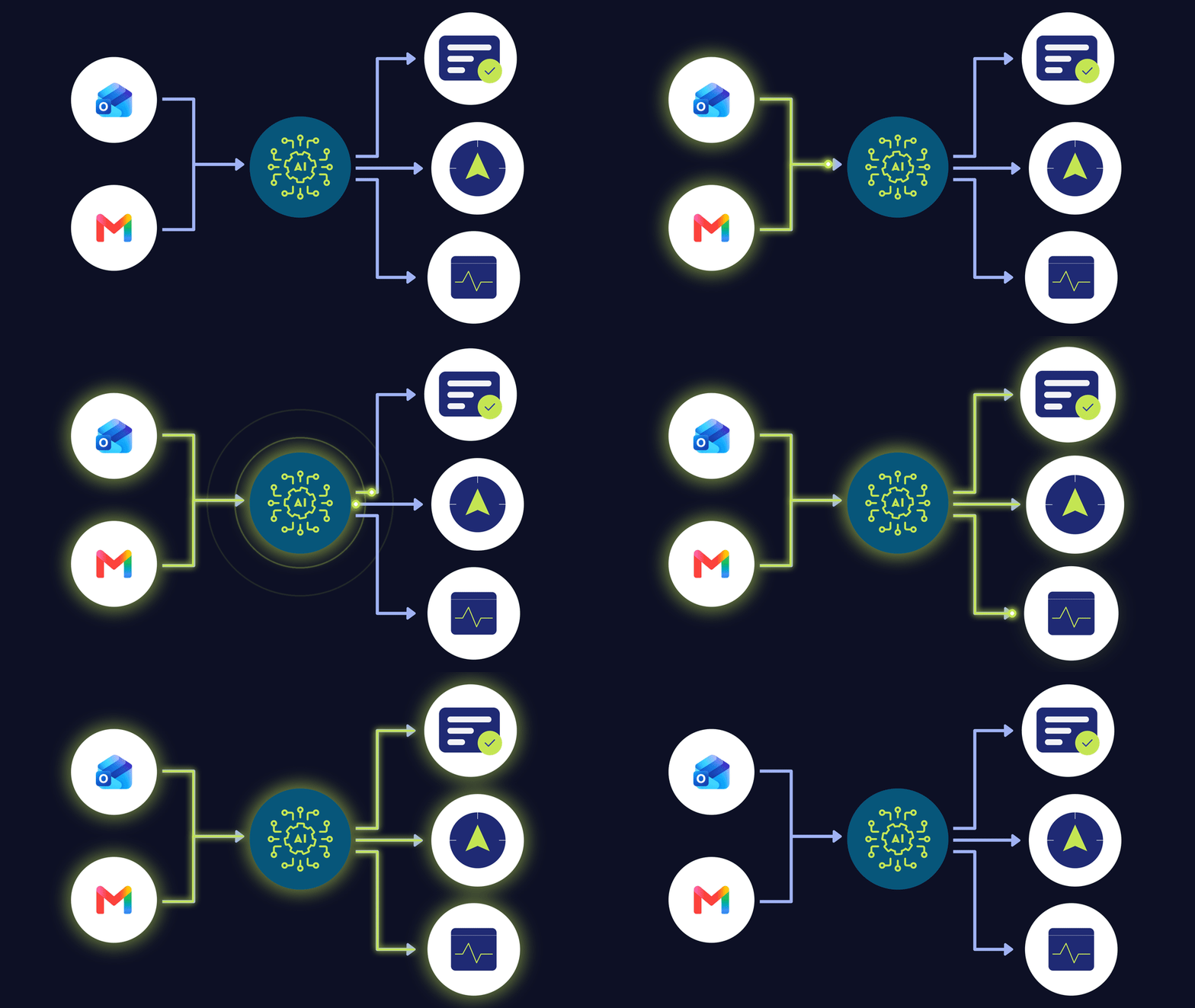
Incomplete emailed tickets slow the first touch. The Email Agents help close information gaps and reduce the routine follow-up work that falls on technicians by
- Reviewing ticket details and existing context against MSP operating procedures
- Requesting specific missing details and add the answers to the ticket
- Providing guidance when useful, or take no action when the ticket is complete
Agents for Voice Calls
A consistent intake means faster resolution and a better client experience
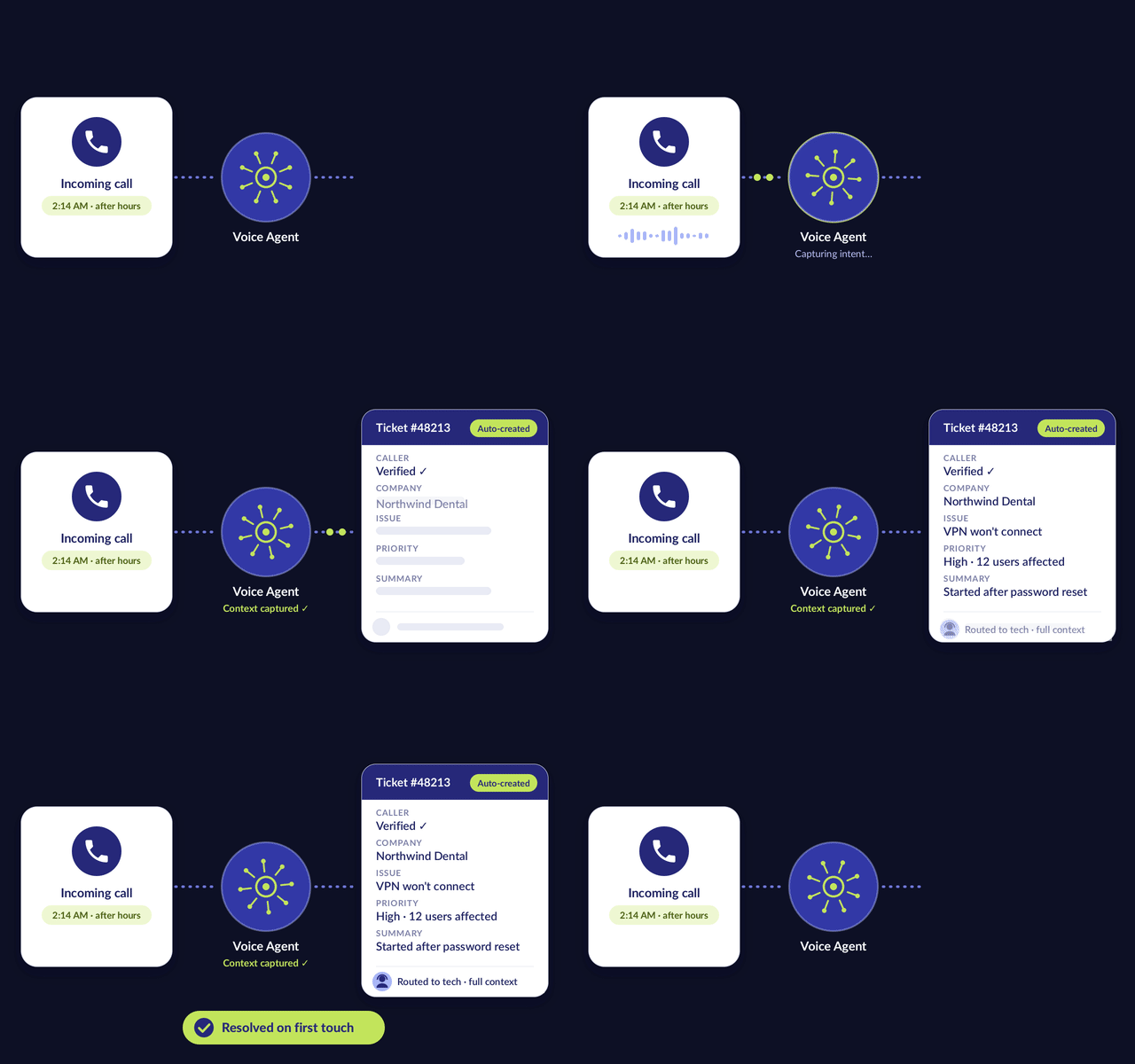
Each caller’s issue is different, but the quality of intake shouldn't waver. The Voice Agents follow a consistent process to understand the request and document it, giving technicians a clear starting point during busy periods and after hours. The Agents will
- Ask focused follow-up questions based on the caller’s issue
- Create a structured PSA ticket with the call details and transcript
- Transfer qualifying high-priority calls using configured criteria, with context intact
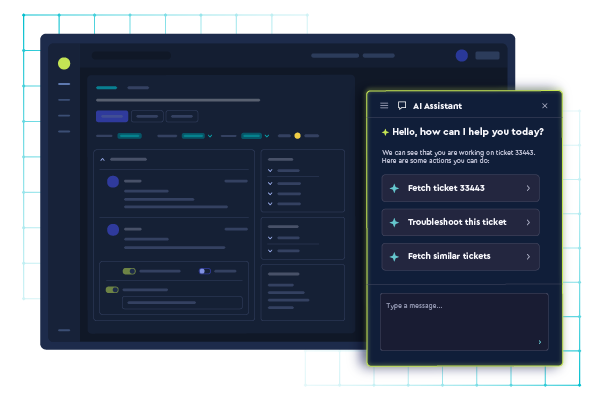
Part of ConnectWise Agentic
Built into the core of the ConnectWise Platform
ConnectWise Teams, Email & Voice Agents run on the same data your business runs on. They work from your tickets, workflows, client history, and device data, so every recommendation reflects how your team operates and what each client expects.
AI that sits outside the platform sees a single ticket, while ConnectWise AI Agents see the whole story. This becomes your team's compounding advantage.
how it works
From message to action — fast, clear, and secure
-
Ready
Intake
Request
User asks for help in Teams.
Teams conversation begins -
Waiting
Clarify
Clarify
Agent understands the request and asks focused questions when information is missing.
Focused questions fill context gaps -
Waiting
Confirm
Review
User reviews and can edit the proposed request.
User can review and edit -
Waiting
Create
Create
A structured PSA ticket is created with conversation context available to the technician.
PSA ticket + conversation context
-
Ready
Intake
Ticket
An emailed request becomes a PSA ticket and enters triage.
Email becomes a PSA ticket -
Waiting
Assess
Evaluate
Email Agent determines whether enough information exists to begin work.
Readiness for work is checked -
Waiting
Clarify
Follow Up
When information is missing, the Agent asks the customer for the specific details still needed.
Specific missing details requested -
Waiting
Enrich
Enrich
New information is added back to the ticket so the service workflow can continue with better context.
New context returns to the ticket
-
Ready
Engage
Engage and understand
Voice Agent answers the inbound support call and conducts a natural spoken conversation to understand why the caller needs help.
Inbound call + natural conversation -
Waiting
Capture
Capture context
The Agent gathers relevant details during the conversation so the service request starts with useful context.
Relevant details captured in conversation -
Waiting
Create
Create service work
The conversation is converted into a structured PSA service request, with conversation context and transcript available for the technician who takes over.
PSA request + context + transcript -
Waiting
Advance
Move forward and escalate
When configured criteria are met, qualifying high-priority calls can be transferred to an on-call technician while the captured context remains part of the service workflow.
Escalation retains captured context
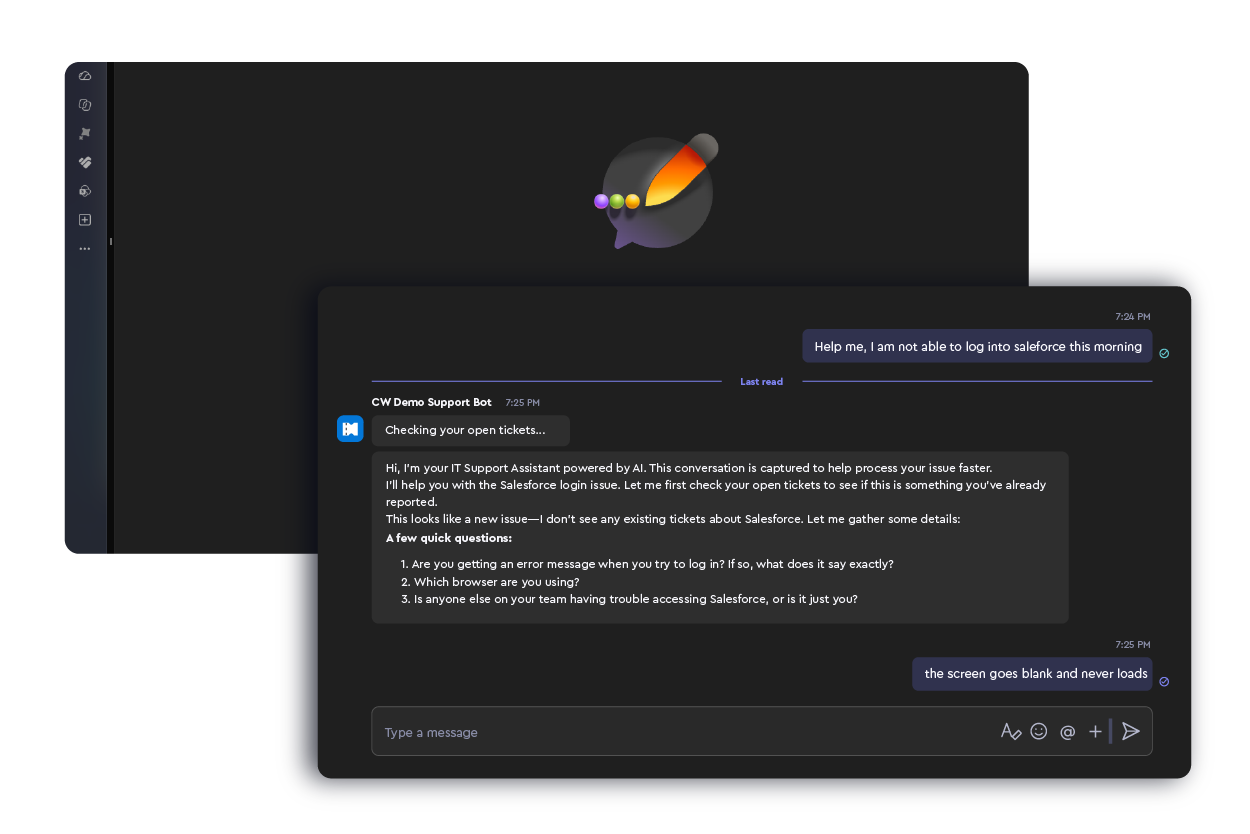
Demo
See for yourself: From user message to implementation-ready ticket in minutes
See how ConnectWise Teams, Email & Voice Agents interact with clients in a familiar channel, interpret the request and ask follow-up questions, and then structure the work for technician handoff.
Explore more ConnectWise AI Agents


FAQs
Get to know Teams, Email, and Voice Agents
Learn how the agents connect familiar channels to structured service work and supports your team along the way.
What are ConnectWise Teams and Email Agents
ConnectWise Teams & Email Agent brings Intelligent Service Intake to Microsoft Teams and email. Teams Agent helps gather context before creating a structured PSA ticket, while Email Agent helps identify and close information gaps after an emailed request has entered the service workflow. Together, they reduce the manual effort required to turn user conversations into work technicians can act on.
Why bring Teams and email into one intake model?
Users choose the channel that is familiar and convenient, but each channel creates different service desk challenges. Teams Agent helps structure conversational requests before ticket creation, while Email Agent helps close information gaps after an emailed request becomes a ticket. Both help technicians start with better context and less manual follow-up.
How is this different from a generic chatbot?
A generic chatbot primarily answers questions or generates responses. Teams & Email Agent is designed around MSP and IT service workflows, connecting user conversations to PSA service work and helping gather the context technicians need to begin working.
What happens if the request is missing information?
In Teams, the Agent can ask focused questions to gather missing context before the user creates the ticket. For email-generated tickets, Email Agent can evaluate what information is still missing after triage and follow up with the customer for those specific details.
Do Teams and Email Agents replace technicians?
No. Teams & Email Agent is designed to reduce the repetitive intake, clarification, and administrative work surrounding service delivery. Technicians remain responsible for work requiring their expertise and judgment; the goal is to give them a better-prepared starting point.
What is ConnectWise AI Voice Agent?
ConnectWise AI Voice Agent brings Intelligent Service Intake to the phone. It answers inbound support calls, conducts natural spoken conversations, gathers relevant context, and converts the conversation into structured PSA service work. The captured context stays with the ticket so technicians have a better starting point when they take over.
How does Voice Agent reduce work for the service desk?
Every support call creates work during and after the conversation— from gathering information to documenting what happened and preparing the service request. Voice Agent handles much of that intake and documentation work, helping reduce repetitive effort and giving technicians more complete context when they take over.
Does Voice Agent replace technicians?
No. Voice Agent focuses on service intake, not replacing technician expertise. It handles the conversation, context gathering, and service-request creation so technicians can spend more of their time on work that requires technical expertise and judgment. Qualifying calls can be transferred to an on-call technician based on configured criteria.
Can Voice Agent support after-hours or 24/7 service?
Voice Agent can answer and capture inbound support requests beyond traditional staffing windows. That can extend the availability of service intake, but it does not mean every issue is resolved autonomously 24/7. Requests requiring technician expertise still depend on the MSP's configured transfer criteria and staffing coverage.
How does Voice Agent fit with ConnectWise AI Agents?
ConnectWise AI Voice Agent extends Intelligent Service Intake to phone-based support. Together with Teams & Email Agent, it helps improve how service work enters the organization, while other ConnectWise AI Agents can help move work forward deeper in the operational workflow.
Let's build your AI-powered future together
Talk with our experts about how ConnectWise can help you scale smarter with AI.