



Cloud Migration
End-to-end automation for Microsoft 365 migrations
Extend the impact of ConnectWise Cloud Backup™ with this powerful add-on suite of solutions. Rated #1 for partner profitability, risk reduction, ease of use, time-saving and overall data quality.
Explore our migration suites
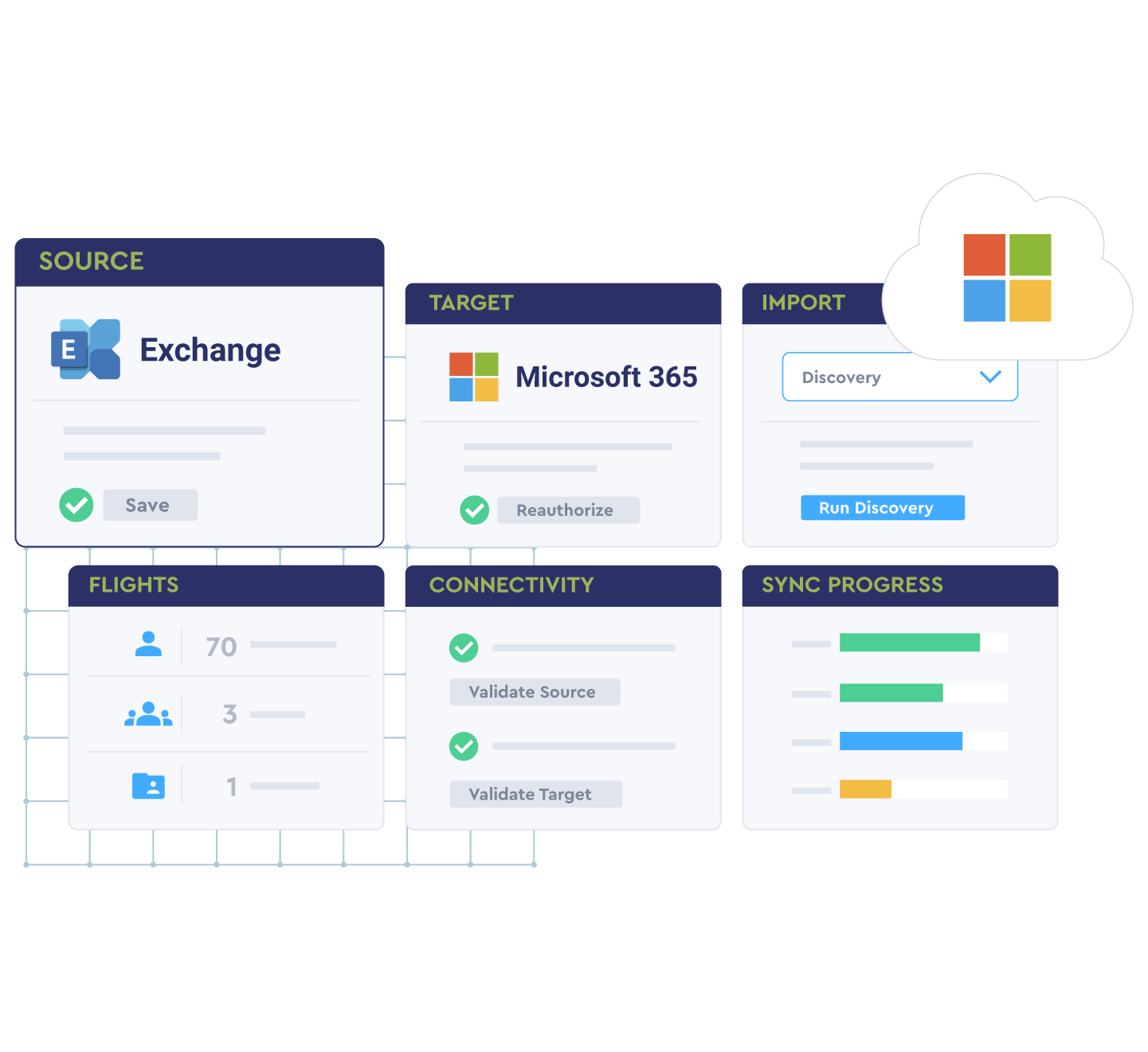
Exchange to Microsoft 365 migration
Unlock seamless Exchange to Microsoft 365 migrations while minimizing risk to partners. This powerful feature suite:
- Migrates everything from email, calendar, and contacts to email signature blocks, rules, and calendar permissions.
- Delivers customer value, reduces complexity, and increases sales velocity by design
- Complements technical teams to create a frictionless migration path for SMB customers
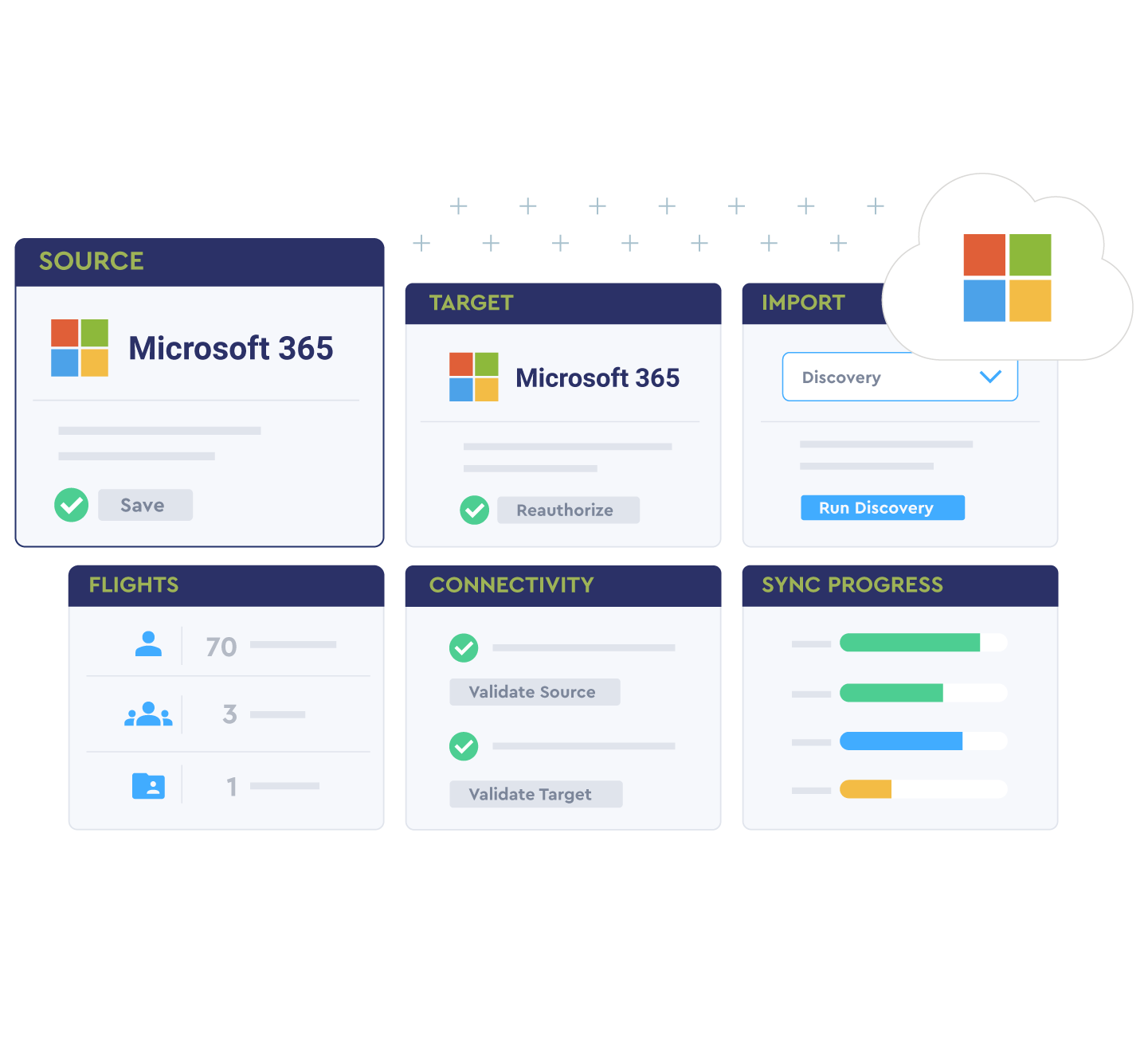
Microsoft 365 tenant-to-tenant migration
Gain more control over and simplify your tenant-to-tenant migrations with:
- Enhanced multi-domain support, including improved discovery and object matching between source and target
- Expanded import options, including improved discovery and a spreadsheet upload template
- Automated adaptation to discovered changes including email address changes post-domain validation
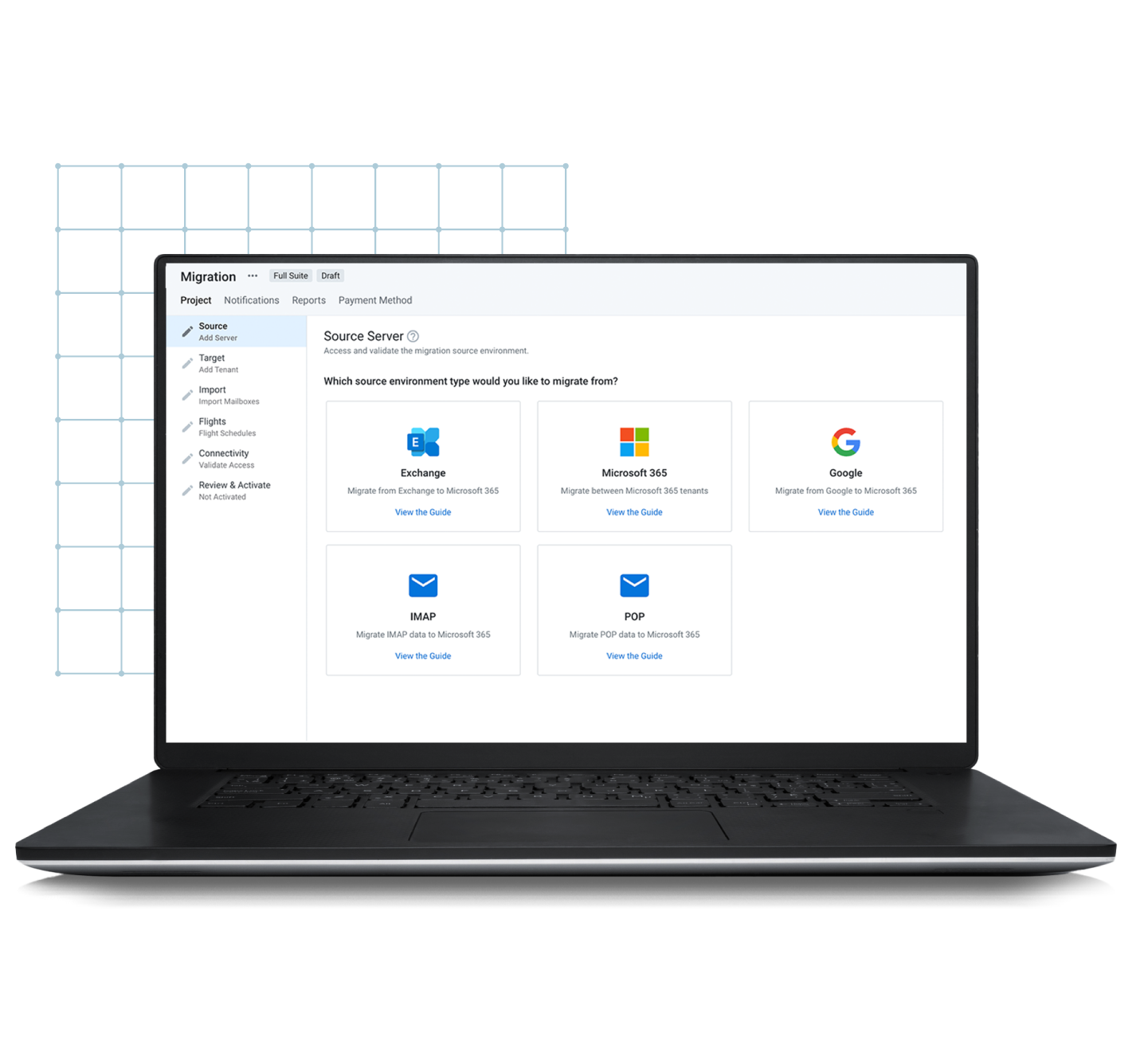
Google to Microsoft 365 migration
See how our cloud migration tools can accelerate your move and mitigate risk with powerful capabilities that:
- Seamlessly sync Google Calendar, labels, and contacts to Microsoft 365
- Optimize the transition by migrating Google labels to Outlook folders and categories, reducing the impact of Google data transfer limits
- Are secure and trusted by technical teams worldwide
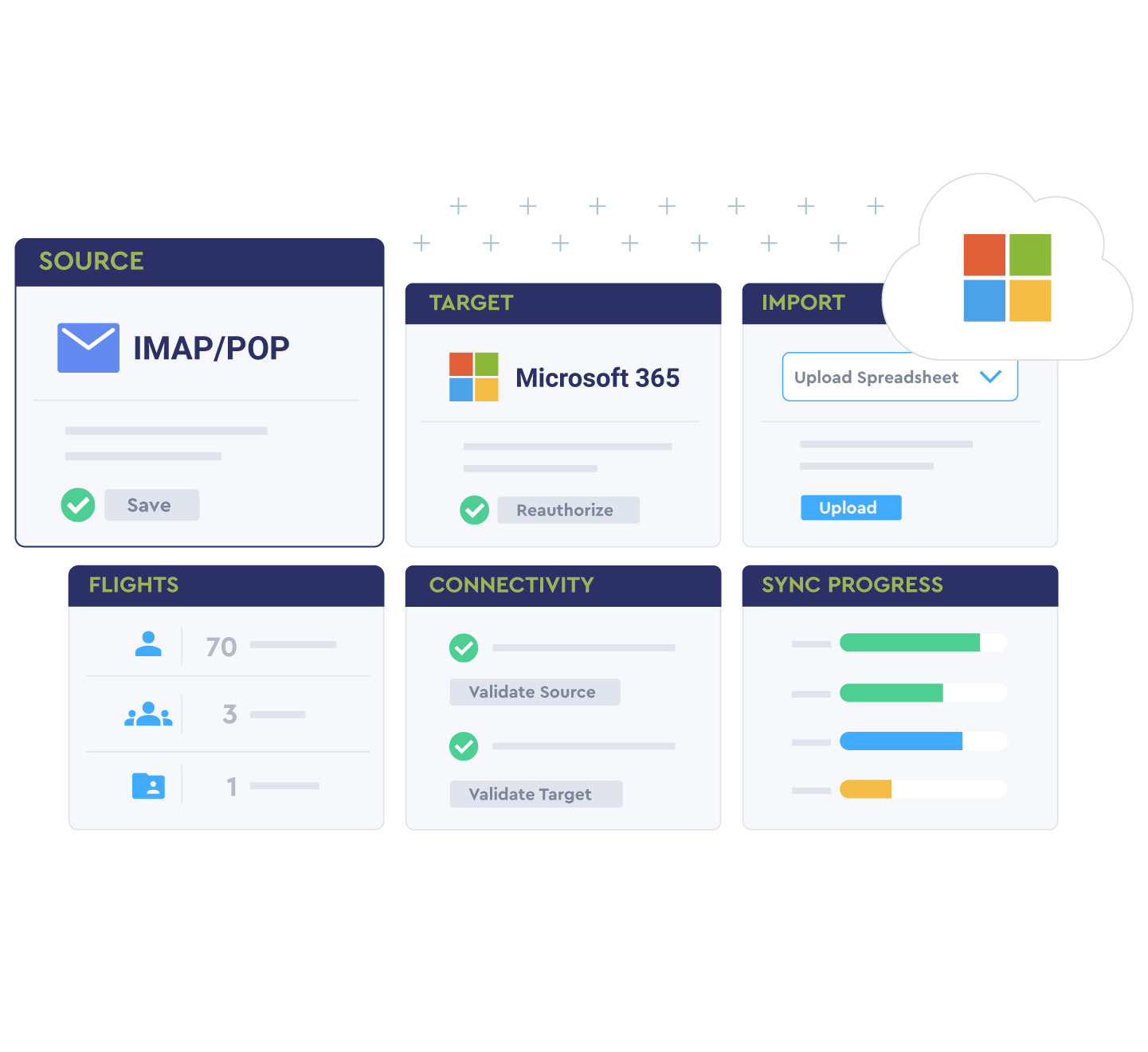
IMAP and POP3 migrations
Ready to automate your IMAP or POP3 migrations? Our Server Sync and Office Assistant work together to migrate both server-side and client-side data, including contacts, calendars, and email categories, automating the entire process.
Frequently Asked Questions (FAQs)
In a tenant‑to‑tenant migration, how are objects matched and re‑matched if addresses or domains change mid‑project?
Discovery and object matching map source to target users, groups, and mailboxes, including multi‑domain environments. If addresses change after domain validation, the tool adapts mappings so cutover can proceed without data loss.
What throughput and throttling controls exist for staged vs. cutover cloud migrations to minimize user impact?
Use staged syncs to pre‑seed most data before cutover and set throttling to respect provider API limits. Run the final delta close to cutover to keep downtime minimal.
For Google to Microsoft 365 migration, how are labels mapped to Outlook folders and categories, and how are API limits handled?
Google labels are mapped to Outlook folders and categories to preserve structure. The engine optimizes calls to reduce the impact of Google transfer limits, so large tenants complete reliably.
What tools assist with IMAP/POP migrations (e.g., Server Sync, Office Assistant) to capture client‑side data?
Server Sync moves server‑side mail, and the Office/Outlook Assistant captures client‑side data (PST, autocomplete, signatures), configures profiles, and restores the user experience post‑cutover.
What pre‑flight checks and rollback options are available if a Microsoft 365 migration encounters errors post‑cutover?
Run discovery and validation to confirm identities, domains, and scopes before the move. If issues arise, you can re‑match objects and re‑run deltas; keep coexistence or mail‑flow rules in place until acceptance testing passes.
What reporting is included for progress, exceptions, and post‑migration validation across large cloud migration projects?
Dashboards track per‑user progress, exceptions, and retries, with exportable reports you can share with stakeholders for sign‑off.
Ready to get started?
Drop us a line and we'll reach out to understand your unique needs.